1. How do I view a CSV file online?
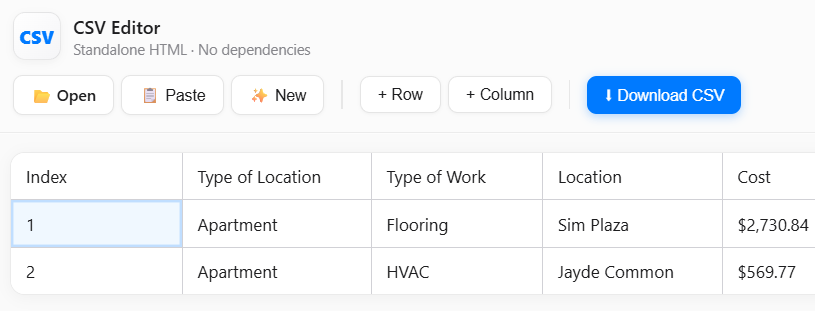
Simply upload or paste your CSV data above. The table will display your data for easy viewing and editing.
2. Can I edit CSV files directly in the browser?
Yes, you can edit any cell in the table. Add or remove rows and columns as needed, then download your updated CSV.
3. How do I save my edited CSV?
After editing, click the "Download CSV" button to save your changes as a new CSV file.
4. Is my CSV data secure?
All processing happens in your browser. Your CSV data is never uploaded to any server.
5. Can I import CSV from Excel?
Yes, export your Excel sheet as CSV, then upload or paste it here to view and edit.
6. How do I fix CSV formatting errors?
Check for missing commas or inconsistent columns. The editor will show errors if the CSV is not valid.
7. Can I add or delete columns and rows?
Use the "Add Row", "Add Column", and delete buttons to modify your CSV structure easily.
8. What file types are supported?
You can upload .csv and .txt files. For other formats, convert them to CSV first.
9. How do I handle large CSV files?
For very large files, performance may vary. Try splitting large files or use desktop tools for heavy editing.
10. Can I use this CSV editor for free?
Yes, this online CSV editor is completely free to use with no registration required.